
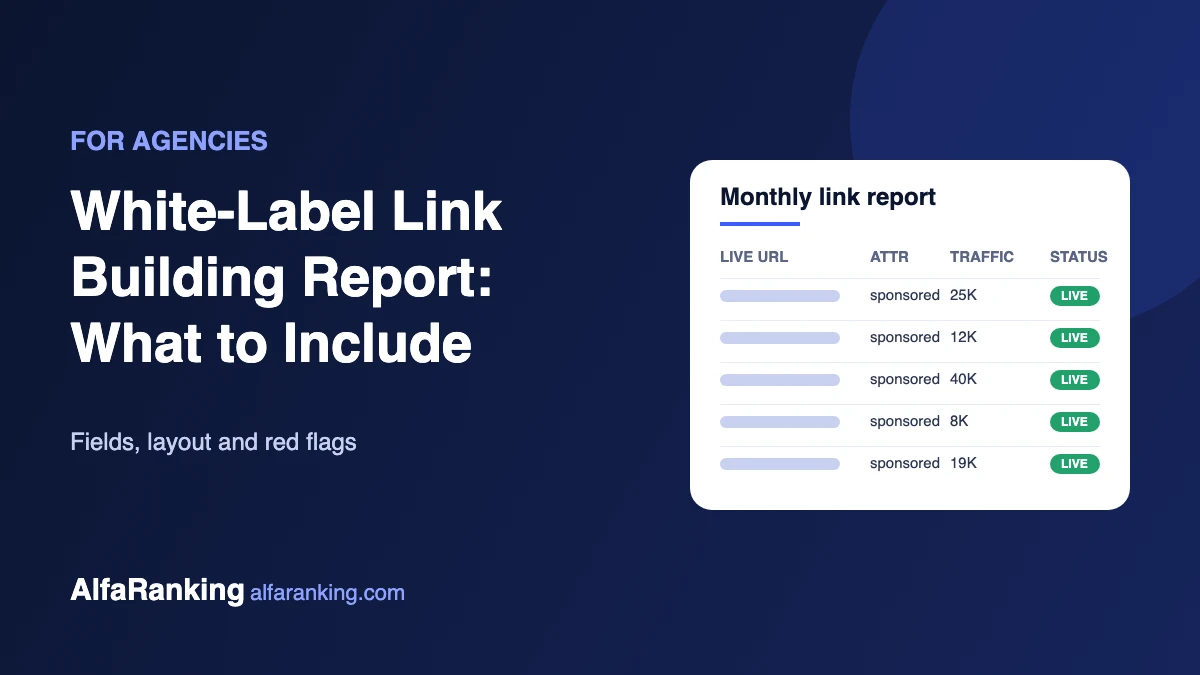
When you resell link building, your client never sees the publisher, the outreach or the work behind each placement. They see the report. A clear report keeps the client, and a vague one invites the question “what am I actually paying for?”
This guide covers what a white-label link building report should include, what to leave out, and the warning signs in reports you get from a provider.
Why the report matters more than you think
Links take time to affect rankings, often months. In the meantime the report is the only proof of work your client has. It needs to answer three questions quickly: what was placed, where, and is it any good? If the client has to email you to find out, the report has failed.
What every report should include
1. The live URL of each placement
The exact page where the article and link appear, not just the domain. Your client, or their in-house SEO, should be able to click and see it.
2. Target page and anchor text
Which page on the client’s site the link points to and the words used for the link. This lets them check the anchor mix stays natural and that links support the pages that matter.
3. Link attribute
State honestly whether each link is rel="sponsored", nofollow or a standard link. Paid placements should be marked sponsored or nofollow under Google’s spam policies, so a report that hides the attribute is a red flag. We explain the difference in rel=”sponsored” vs nofollow.
4. Site metrics, with the date they were checked
Organic traffic, main traffic country and DR (or another authority score), plus the date the numbers were taken. Metrics change, so an undated number is close to meaningless. Traffic deserves more weight than DR; here’s why traffic matters more.
5. Publication date and indexing status
When the article went live and whether Google has indexed the page. A link on a page Google hasn’t indexed isn’t doing anything yet.
6. Topic and relevance
A one-line note on the site’s subject and the article’s title. It shows the client that placements fit their niche rather than landing on general “write for us” sites.
7. Status and follow-up notes
Whether each link is still live at the last check, and what happens if one is removed or changed. Spell out the provider’s policy here so there are no surprises later.
A simple report layout
A spreadsheet or a short PDF works fine. One row per placement, with columns like this:
| Column | Example |
|---|---|
| Live URL | example-site.com/best-crm-tools |
| Target page | client.com/crm-software |
| Anchor text | CRM software for small teams |
| Attribute | sponsored |
| Organic traffic / country | 25K / US (checked 1 Nov) |
| DR | 48 |
| Published / indexed | 28 Oct / Yes |
| Status | Live |
Add a short summary at the top: how many links were placed this month, which target pages they support, and anything the client needs to know.
Keep it white-label
- Put your agency’s logo and colours on it, not the provider’s.
- Remove any provider names, order IDs or internal links from the file and its metadata.
- Send it from your own email or client portal.
- Use the same layout every month so clients learn where to look.
What to leave out
- Ranking or traffic guarantees. Nobody controls Google, and promises like these tend to come back as refund requests.
- Authority scores on their own. A list of DR numbers without traffic or URLs proves very little.
- “Estimated link value” figures. Invented dollar values make reports look padded.
- Screenshots instead of URLs. The client should be able to verify every link themselves.
Warning signs in a provider’s report
Before you rebrand a provider’s report and send it on, look for these:
- Live URLs missing, or links that redirect elsewhere
- Pages that aren’t indexed weeks after publishing
- Several placements on sites with the same template, author names or contact email
- High DR sites with very little organic traffic
- No mention of link attributes at all
These often point to link farm networks. Spot-check a few placements every month using our 12 site-quality checks. It’s your agency’s name on the report, not the provider’s.
Report the results, not just the links
Once links have had time to settle, add a short results section: rankings for the target pages, organic clicks from Search Console and any referral visits from placements. Keep it honest. If a page hasn’t moved yet, say so and explain what comes next.
For most clients, a monthly report is enough. Weekly updates add work without adding much information, because rankings move slowly and new links need time to be crawled and counted by Google.
Need a white-label partner?
Our white-label link building service is built for agencies that resell links under their own brand. Tell us about your clients and niches and ask what our reports include.