
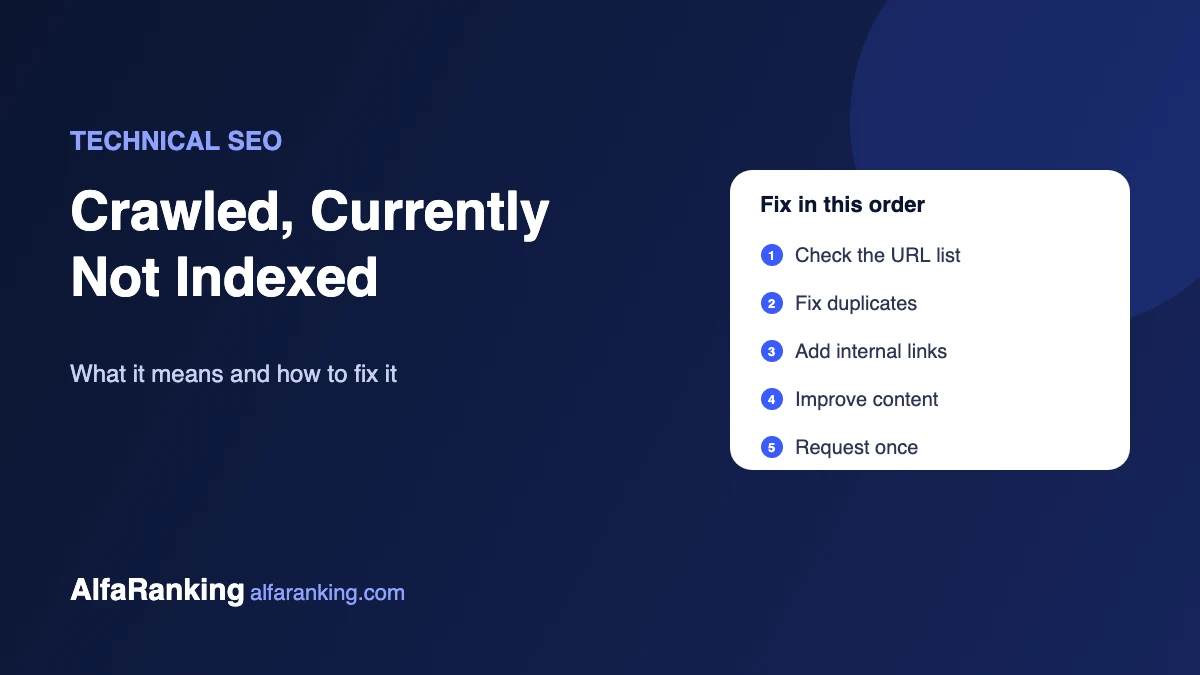
You open the Page indexing report in Google Search Console and find a list of URLs marked “Crawled – currently not indexed”. Google visited those pages, read them, and decided not to add them to its index, at least for now. They can’t appear in search results until that changes.
Here’s what the status means, what usually causes it, and a sensible order of fixes.
What the status means
Google found the URL, crawled it, and chose not to index it. It isn’t an error, and it isn’t a penalty. Google is saying the page doesn’t currently look worth a place in its index compared with everything else it could store. Google may index it later on its own, or may never index it if nothing changes.
How it differs from “Discovered – currently not indexed”
| Status | What happened | Usual reason |
|---|---|---|
| Crawled – currently not indexed | Google visited and read the page | Quality, duplication or low importance |
| Discovered – currently not indexed | Google knows the URL but hasn’t visited yet | Low priority, weak internal links, or Google slowing down to avoid overloading the server |
The fixes overlap, but “crawled” points more towards the page itself, while “discovered” often points towards how the page is linked and how much Google wants to crawl your site.
First, check which URLs are on the list
Not every URL in this report needs fixing. Feeds, search result pages, URLs with tracking parameters, paginated archives and old test pages often appear here, and it’s fine for them to stay out of the index. Focus on pages you actually want to rank: services, products, collections and articles.
Common causes
Thin or unhelpful content
Short pages that repeat what hundreds of other pages say, or exist mainly to target a keyword, are common examples. Location pages with only the city name swapped are a classic case.
Duplicate or near-duplicate pages
If several URLs show almost the same content, Google picks one and leaves the others out. This is common with tag archives, filtered category pages and, on Shopify, product URLs inside collections. See Shopify duplicate URLs for that specific case.
Weak internal links
A page that’s only reachable from the sitemap, with no links from other pages on your site, looks unimportant. Pages buried four or five clicks deep get the same treatment.
Site-wide quality signals
On newer or smaller sites, Google is more selective about what it indexes. If much of a site is thin, placeholder or duplicated, even good pages can wait longer. Cleaning up low-quality pages helps the rest.
How to check a specific page
- Paste the URL into URL Inspection in Search Console and confirm the status and the “user-declared” versus “Google-selected” canonical.
- Click “Test live URL” to check Google can fetch and render the page, and that indexing is allowed.
- Search
site:plus the exact URL to double-check. - Look at how many internal links point to the page, and from where.
- Compare the page honestly with the pages that rank for the same search. Does yours add anything they don’t?
Fixes, in order of effort
- Make sure the page should be indexed. Remove pages that shouldn’t be in Google, or set them to noindex, so your sitemap only lists pages you care about.
- Fix canonicals and duplicates. Each page should point to itself as canonical, or to the one version you want indexed.
- Add internal links from relevant, already-indexed pages, using descriptive anchor text. Link new articles from your service pages and related posts.
- Improve the content. Add what’s missing: examples, specifics, answers to real questions, original data. Merge thin pages that cover the same topic into one stronger page.
- Request indexing once after a meaningful change. Repeating the request doesn’t move the page up the queue.
- Build a few relevant links to important pages if they still struggle. External links signal the page matters.
How long does it take?
There’s no fixed timeline. After a real improvement, some pages are indexed within days, while others take weeks. Google has to recrawl the page, re-evaluate it and decide again. Keep a simple note of what you changed and when, then check the report every couple of weeks rather than every day.
When to leave it alone
If the page is new, give it a few weeks. Google often crawls first and indexes later. If the page has no real search value, such as a thank-you page or an old tag archive, it’s better out of the index anyway. After fixing pages, use “Validate fix” in the report so Google rechecks them as a group.
Need help with indexing problems?
Our technical SEO services start with exactly this kind of check: which pages aren’t indexed, why, and what to fix first. If the issue is the content itself, our on-page SEO services can help. Tell us about your site to get started.